Honeywell Vuquest 3320g: 2026 Area-Imager Review
The Honeywell Vuquest 3320g remains one of the most dependable compact area-imaging scanners you can buy in 2026. Small enough to tuck beside a POS terminal yet powerful enough for pharmacy, telecom retail, and light industrial work, it has earned a loyal following among IT managers who hate downtime. This review breaks down where the 3320g shines, where it compromises, and whether it still belongs on your 2026 shortlist.
Barcode capture is the quiet backbone of modern retail and logistics. When the scanner fails, checkout lines stall and inventory counts drift. Choosing the right imager is therefore an operational decision, not just a hardware purchase.
Why the Honeywell Vuquest 3320g Still Competes in 2026
Area imagers replaced single-line lasers for good reason. They read 1D, 2D, and mobile-screen barcodes from any angle, which matters now that loyalty apps and digital coupons live on phones. The 3320g handles all of these without the aim-and-align dance older lasers demanded.
Its presentation mode is the headline feature. Set it in the stand and it scans automatically as items pass the window, freeing both hands. Pick it up and it works as a trigger-based handheld. That flexibility suits a counter that switches between bulky and small items all day.
Who Should Buy It?
- Telecom and electronics retail — scan serial numbers, IMEI labels, and warranty codes from boxes and screens.
- Pharmacies — read dense 2D codes on small packaging reliably.
- Clinics and labs — capture patient wristbands and sample vials.
- Light manufacturing — verify part labels at a workbench.
Key Specifications at a Glance
Specs only matter when they map to your workflow. Here is how the 3320g’s headline numbers translate into day-to-day performance.
| Feature | Honeywell Vuquest 3320g | Why It Matters |
|---|---|---|
| Imaging type | Area imager (1D & 2D) | Reads phone screens and dense codes |
| Form factor | Compact corded, hands-free stand | Fits tight counters |
| Interfaces | USB, RS-232, keyboard wedge | Drops into legacy and modern POS |
| Durability | Multiple drop tolerance to floor | Survives everyday knocks |
| Best use | Retail, pharmacy, telecom | Versatile mid-range workhorse |
Setup and Integration Tips
Deployment is refreshingly simple. In most environments the scanner behaves as a keyboard, so it types decoded data straight into whatever field has focus. That plug-and-play nature keeps IT tickets low.
- Confirm your POS expects keyboard-wedge or USB-HID input before ordering cables.
- Scan the configuration barcodes from the manufacturer guide to set prefixes and suffixes.
- Enable presentation mode if the device will sit in a stand most of the day.
- Test mobile-screen reading with your actual loyalty app, not just printed labels.
- Document the final config so replacement units deploy in minutes.
For official programming references and data sheets, check the manufacturer’s product documentation before customising anything in production.
Common Pitfalls to Avoid
The most frequent mistake is skipping the suffix setup. Without a carriage-return suffix, scanned data lands in the field but never submits, forcing staff to press Enter manually. Two minutes of configuration prevents thousands of wasted keystrokes.
Original tip: keep one pre-configured spare scanner in a drawer with its settings sheet taped to the box. When a unit fails mid-shift, a cashier can swap it in under a minute with zero IT involvement — a resilience trick far cheaper than any service contract upgrade.
How It Fits a Wider Telecom and Retail Stack
A scanner never works alone. It feeds a POS, which talks to inventory, which syncs to the cloud. Reliable capture at the edge keeps that entire chain accurate.
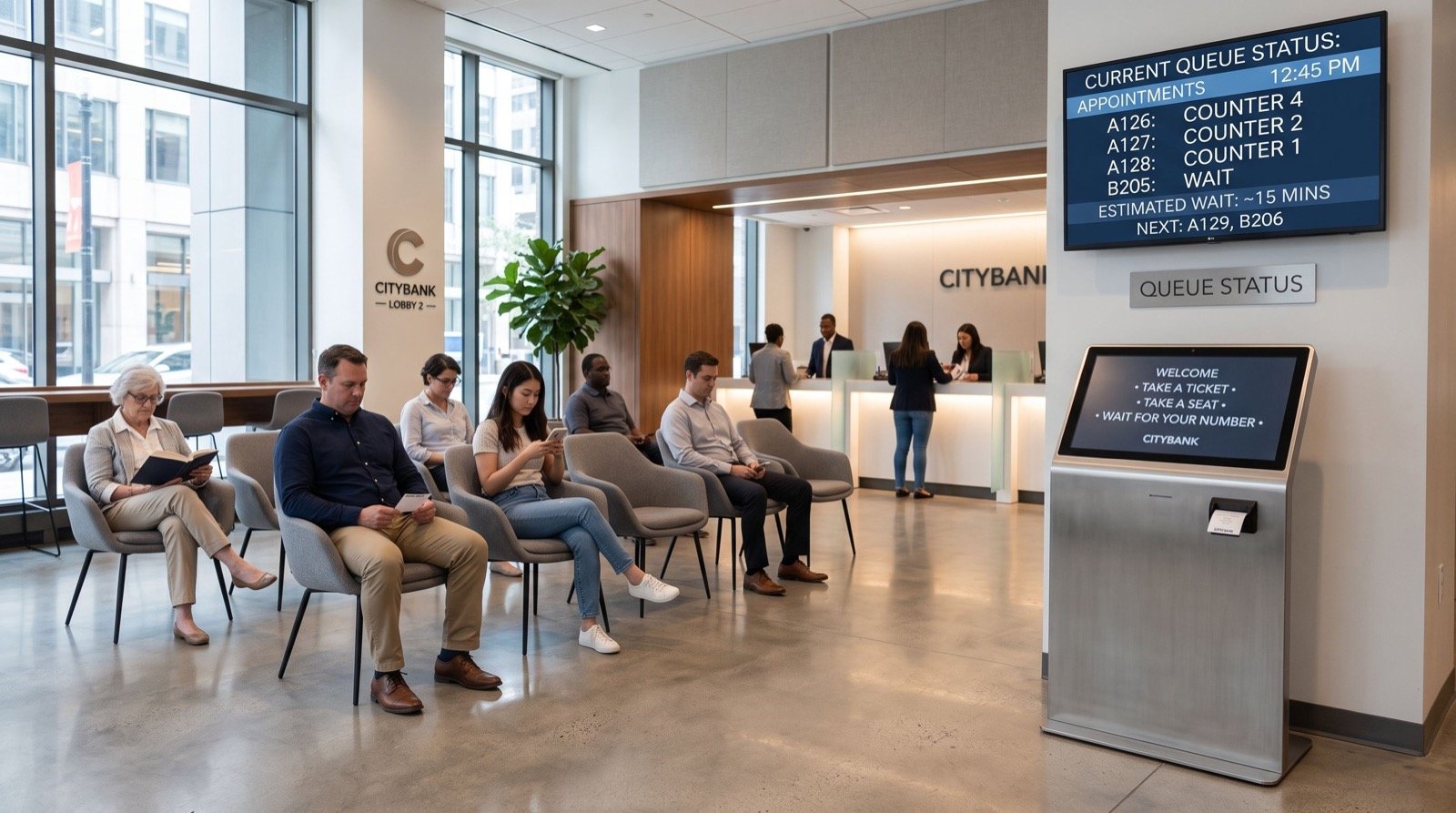
Pair the 3320g with solid identity and service hardware for a complete front counter. Many retailers combine it with a biometric reader and a queue management system in saudi arabia so customers are verified, ticketed, and checked out through one smooth flow. Sourcing all of it from quality service providers keeps support and warranty under one roof.
Honeywell Vuquest 3320g vs Modern Alternatives
No scanner is the only option, so it helps to know when a rival makes more sense. The 3320g targets the mid-range sweet spot, but your workflow might pull you higher or lower.
If your staff roam a large stockroom scanning shelves, a cordless imager earns its higher price through mobility. The corded 3320g is happiest tethered to a fixed counter, where cables are a non-issue and there is nothing to recharge.
At the budget end, a simple 1D laser costs less, but it cannot read the 2D and mobile-screen codes that dominate 2026 retail. Saving a little upfront often means replacing the whole fleet within a year as digital coupons and app-based loyalty spread.
At the premium end, rugged industrial imagers survive forklifts and sub-zero freezers, but that armour is wasted on a pharmacy counter. Paying for durability you will never stress is simply over-specifying.
For the vast middle ground — telecom stores, clinics, pharmacies, and general retail — the 3320g lands precisely where most buyers need it: affordable, versatile, and genuinely low-maintenance. That balance is exactly why it keeps reappearing on shortlists year after year.
Frequently Asked Questions
Does the Honeywell Vuquest 3320g read barcodes from phone screens?
Yes. As an area imager it captures 1D and 2D codes displayed on mobile screens, including loyalty apps, e-tickets, and digital coupons. This is a key advantage over older single-line laser scanners.
Is it wired or wireless?
The 3320g is a corded scanner, connecting via USB or RS-232. If you need roaming freedom around a stockroom, look at a cordless model instead; for a fixed counter, the wired design means no batteries to charge.
Will it work with my existing POS software?
In most cases, yes. It supports keyboard-wedge, USB-HID, and RS-232 interfaces, so it integrates with both legacy and modern point-of-sale systems with minimal configuration.
How durable is it for daily retail use?
It is built to survive repeated drops to a hard floor, which covers typical counter accidents. With sensible placement it comfortably lasts years of continuous scanning.
Conclusion
One last practical note: budget for consumables and spares as part of the total cost, not as an afterthought. Replacement stands, USB cables, and a cleaning kit cost little yet keep a busy counter scanning without interruption. A scanner that is physically present but missing a cable is just as useless as one that has failed.
In 2026 the Honeywell Vuquest 3320g still earns its place as a versatile, low-maintenance imager for retail, pharmacy, and telecom counters. It reads everything modern customers present, drops into almost any POS, and shrugs off daily abuse. If you need dependable hands-free scanning without overspending, put it on your shortlist and request a quote from a trusted supplier today.